Adding a Website
The new website must first be registered in the free TOPlist version. If the same contact email is used during its registration as you use to log in to TOPlist Profi, it is assigned to your account automatically at the next login.
If the website is registered in another account, it can be added to TOPlist Profi using its TOPlist ID. Log in to TOPlist Profi and click the „Přidat web" (Add web) button in the „Seznam webů" (List of websites) section on the Profi service homepage.
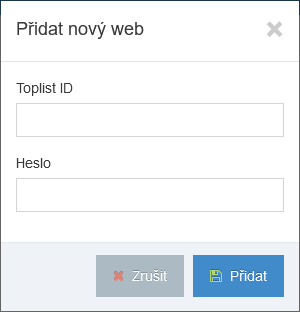
Then just enter the website's TOPlist ID and the same password that is used to log in to the basic TOPlist version. If the password is correct, the website is added to TOPlist Profi.