Creating a Report
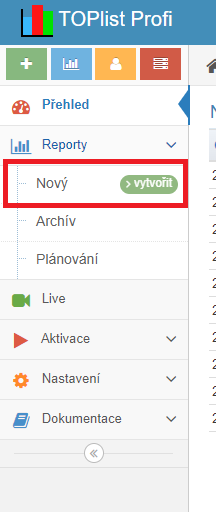
- After logging in to TOPlist Profi, click the green „>vytvořit" (create) button in the left vertical menu.
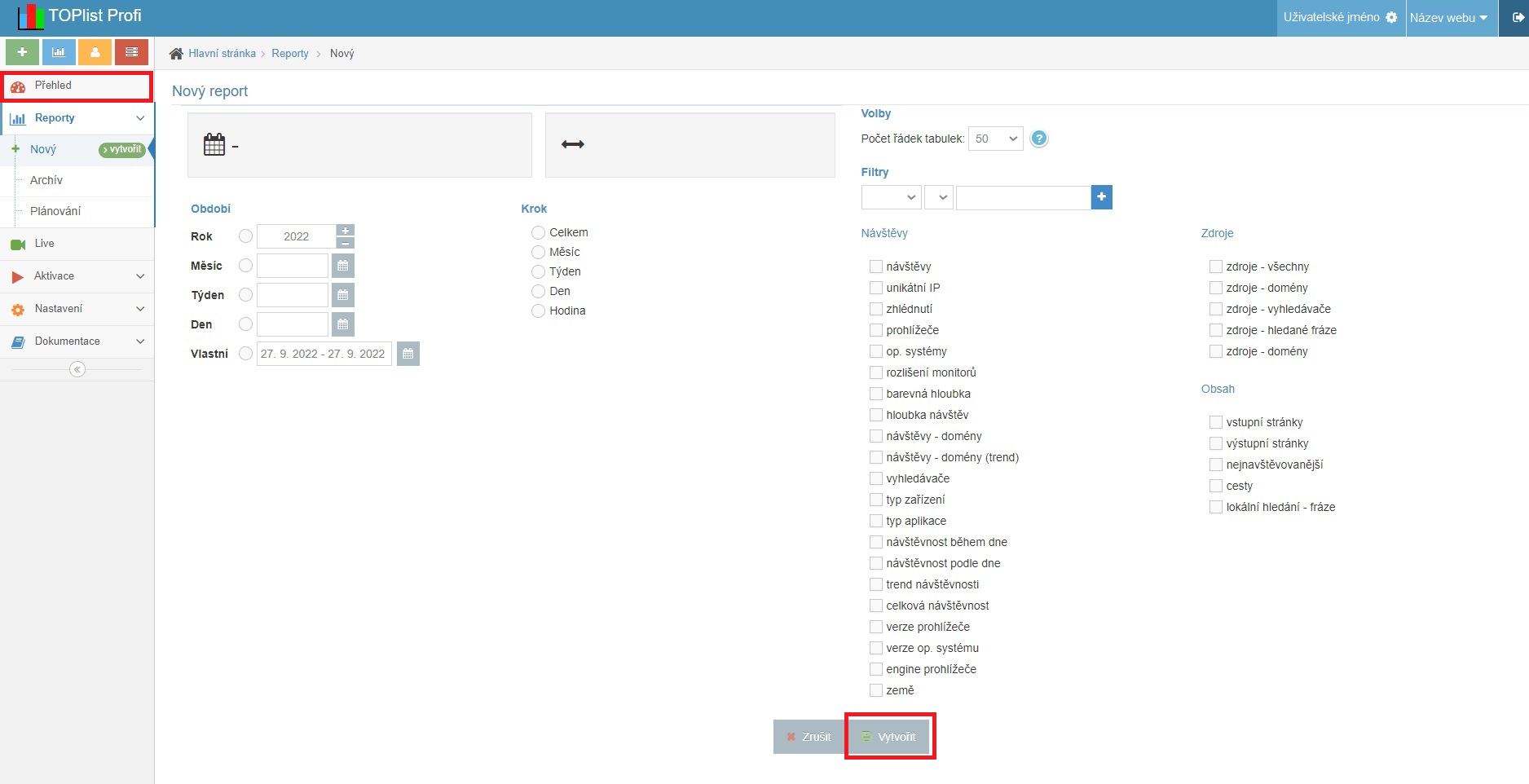
- Define your own report from the options shown in the right part of the page. Confirm the report parameters by clicking the „Vytvořit" (Create) button. You will find the created report on the „Přehled" (Overview) page.
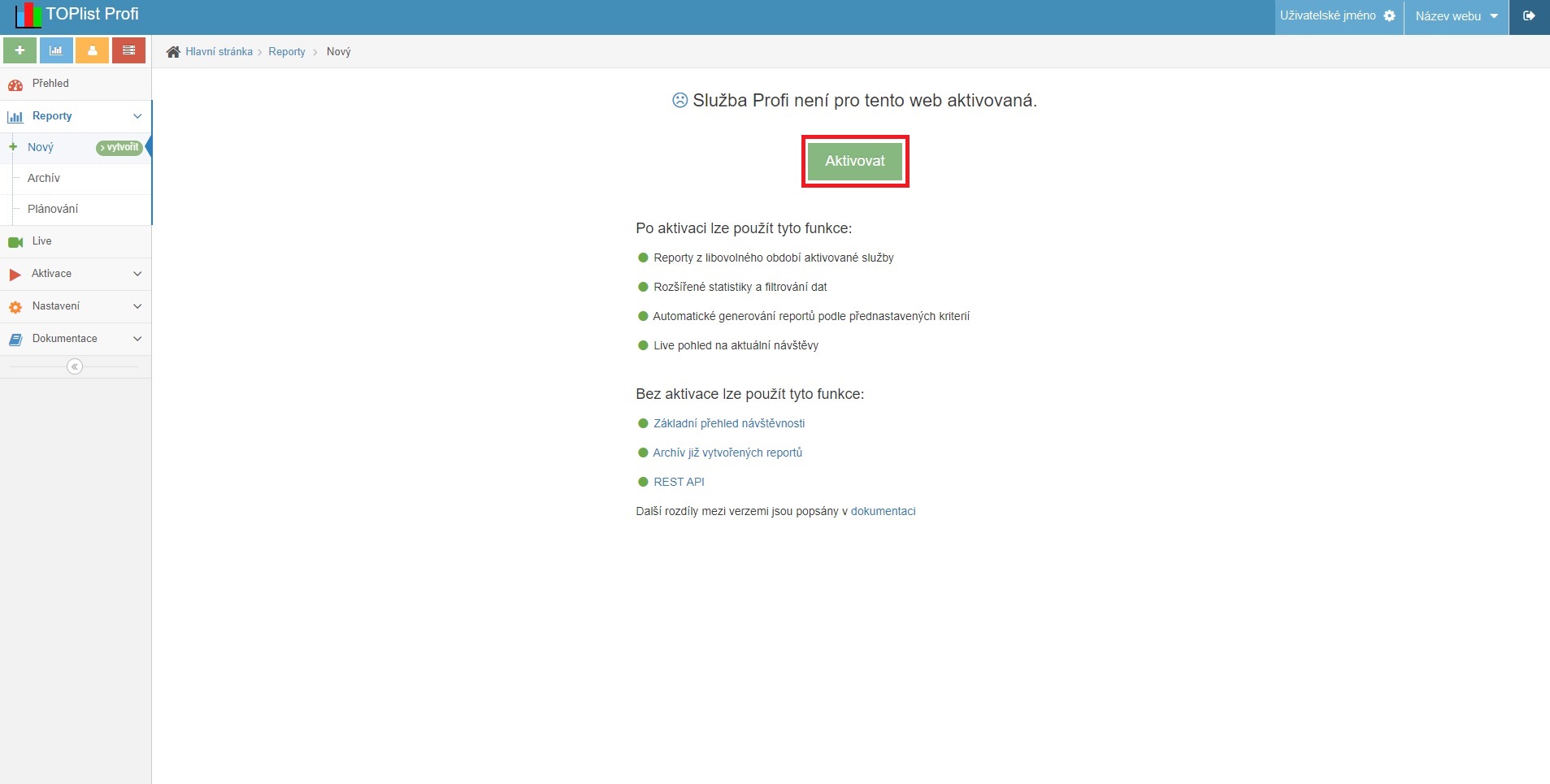
- If you do not have the TOPlist Profi service activated, an information page with a link to activate the service is shown instead of the report options.
Note: if you want regular reports, i.e. reports generated automatically at the end of the respective period, go to the „Plánování" (Scheduling) page — the link is in the left vertical menu — where you can set up the regular report.